UTM Parameters for Google Ads: Step-by-Step 2025 Guide
If you’re running paid campaigns and not tracking them properly, you’re wasting money. UTM parameters for Google Ads give you the ability to track campaign performance with clarity. While Google Ads has auto-tagging, it doesn’t always give you full visibility — especially if you’re using external analytics systems like GA4, CRM platforms, or BI dashboards.
What Are UTM Parameters and Why They Matter for Google Ads
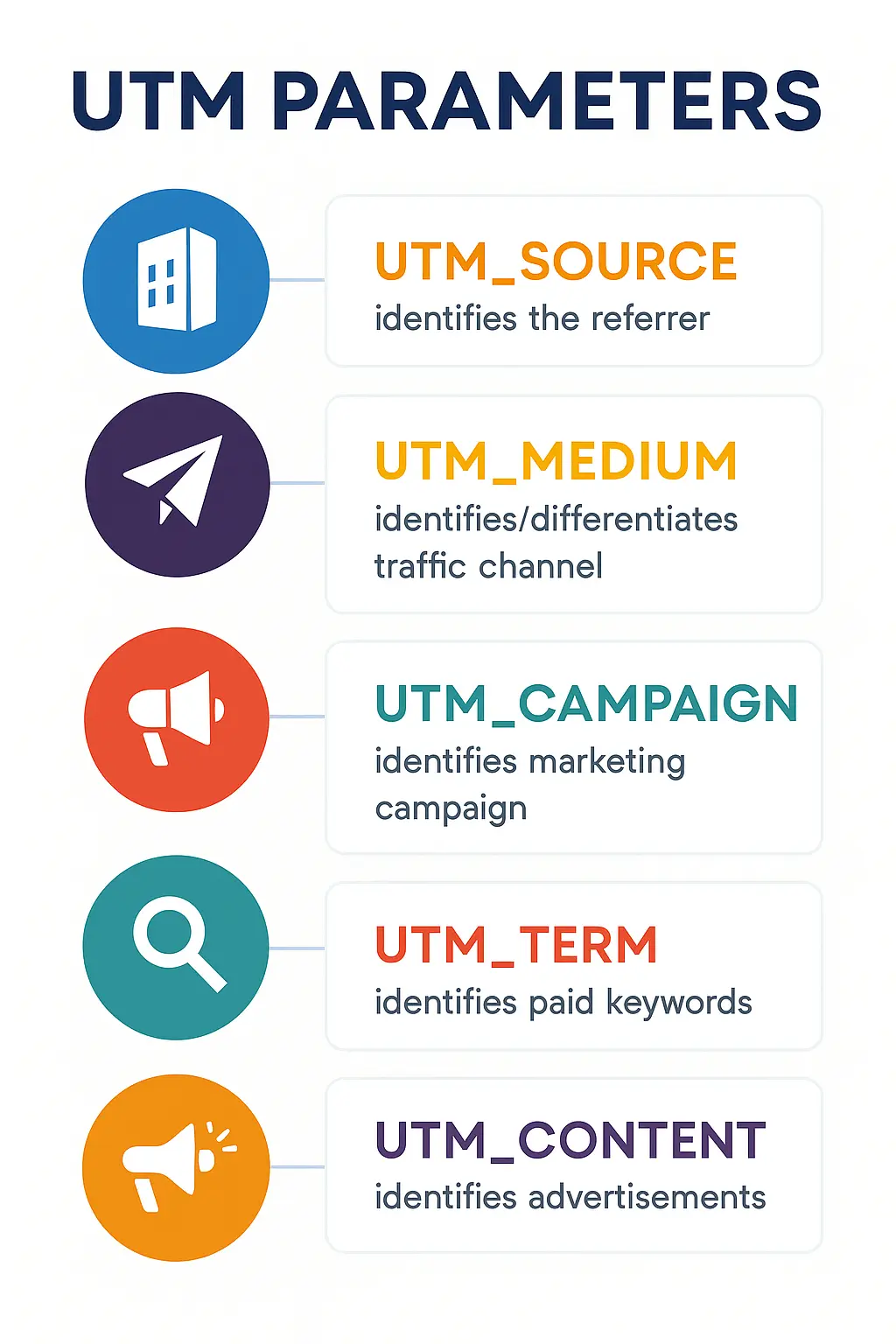
UTM (Urchin Tracking Module) parameters are snippets of text you can add to URLs to pass specific data to analytics platforms. These tags help you understand where your traffic comes from and how it behaves after clicking an ad. In the context of Google Ads, using UTM parameters helps track campaign performance beyond what GCLID provides.
- utm_source – identifies the platform (e.g., google, facebook)
- utm_medium – the type of traffic (e.g., cpc, email)
- utm_campaign – the specific campaign name
- utm_term – used to track keywords (for search campaigns)
- utm_content – distinguishes between different ads or creatives
By using UTM parameters for Google Ads, you gain control over how traffic is attributed and interpreted by your analytics stack.
GCLID vs UTM Parameters: What’s the Difference?
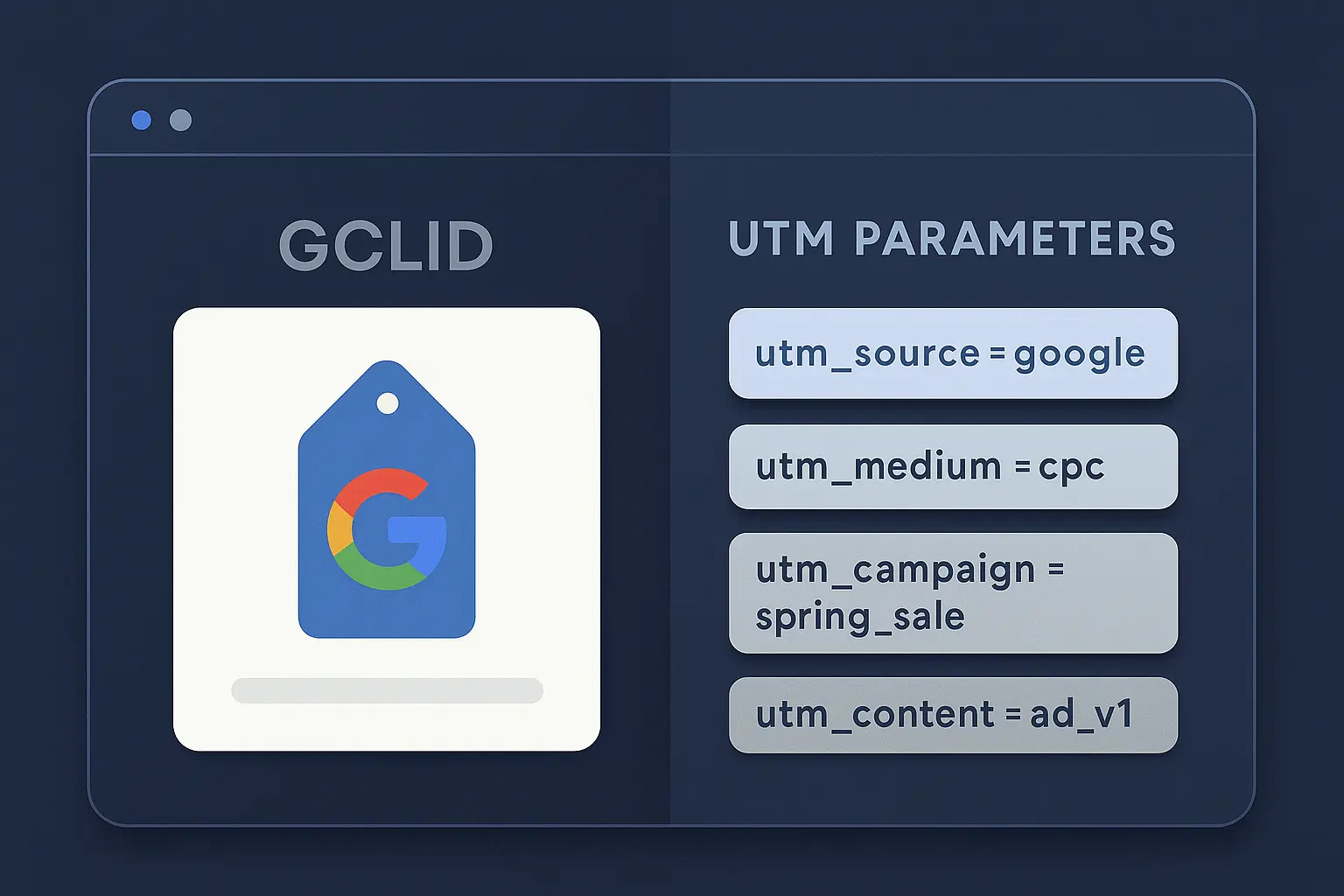
GCLID (Google Click Identifier) is automatically generated when you enable auto-tagging in your Google Ads account. It works well with Google Analytics but offers limited transparency and compatibility with other tools. UTM parameters, on the other hand, are human-readable and platform-agnostic.
- GCLID: Useful for Google Analytics but limited outside Google’s ecosystem
- UTM parameters: Ideal for cross-platform visibility and reporting
To get the best of both worlds, many marketers use both GCLID and UTM parameters for Google Ads in tandem.
How to Add UTM Parameters to Google Ads
Option 1: Manual Tagging
You can manually add UTM parameters to your final URLs. Example:
https://yourdomain.com/page?utm_source=google&utm_medium=cpc&utm_campaign=spring_saleOption 2: Use a Tracking Template
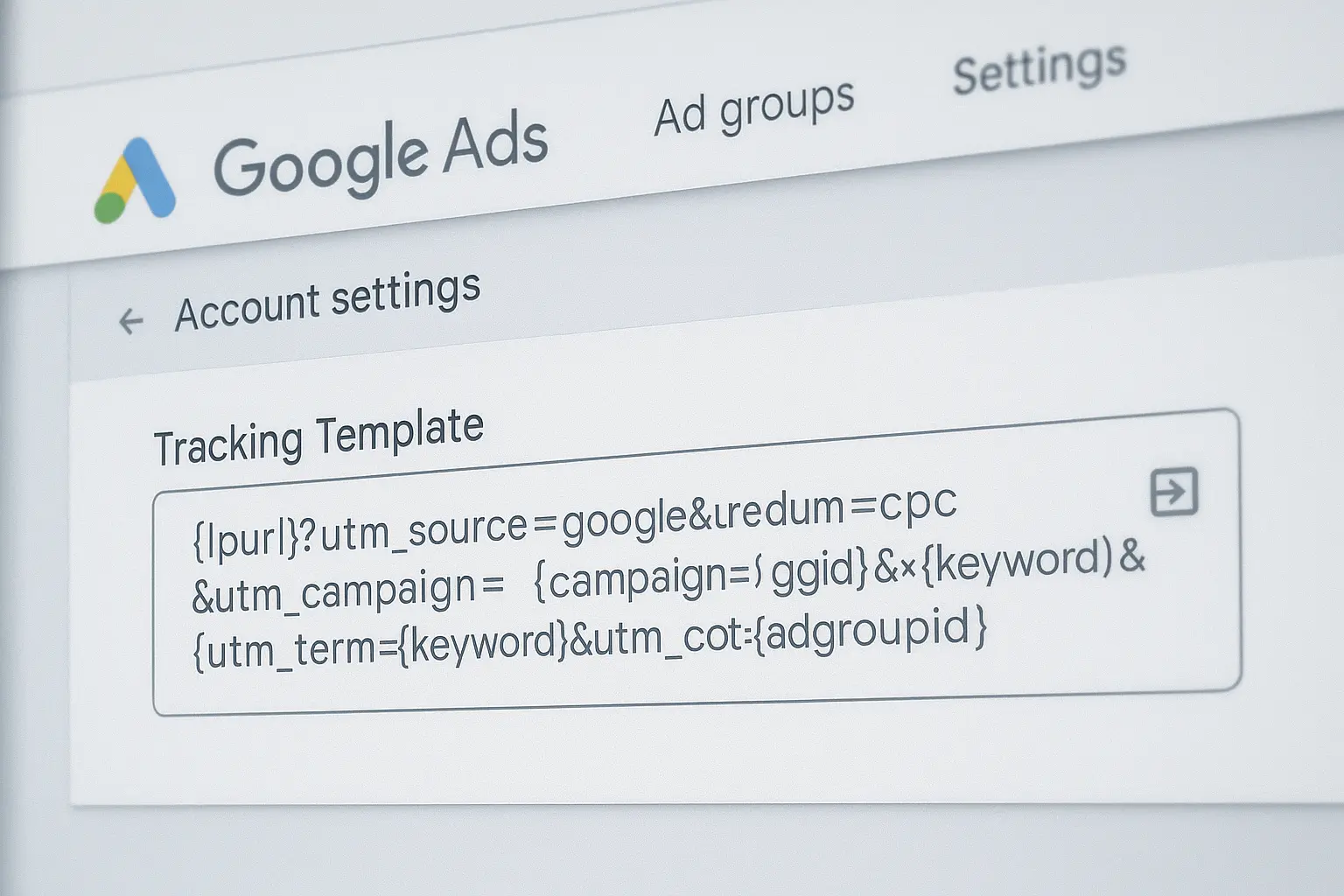
This method is more scalable and recommended for managing multiple campaigns. Set the tracking template at account, campaign, or ad group level.
{lpurl}?utm_source=google&utm_medium=cpc&utm_campaign={campaignid}&utm_term={keyword}&utm_content={creative}Option 3: Google Ads Editor
If you need to bulk apply UTM templates across hundreds of ads or campaigns, the Google Ads Editor tool allows you to do it offline, quickly and efficiently.
Best Practices When Using UTM Parameters for Google Ads
- Use lowercase letters and dashes (not spaces or underscores)
- Keep your naming consistent across campaigns and platforms
- Avoid redundant terms (e.g., utm_medium=cpc for search ads is enough)
- Document your UTM structure in a shared naming convention guide
- Regularly audit URLs to avoid broken or improperly tagged links
Remember, the goal of using UTM parameters for Google Ads is to improve attribution and reporting accuracy — not just to create fancy URLs.
Common Mistakes to Avoid
- Overlapping UTM tags with auto-tagging — causing data conflicts
- Inconsistent campaign naming (e.g., Summer2025 vs summer-2025)
- Forgetting to include UTMs in sitelinks or display URL variants
- Copy/paste errors leading to typos or malformed URLs
Where to See UTM Parameters in GA4
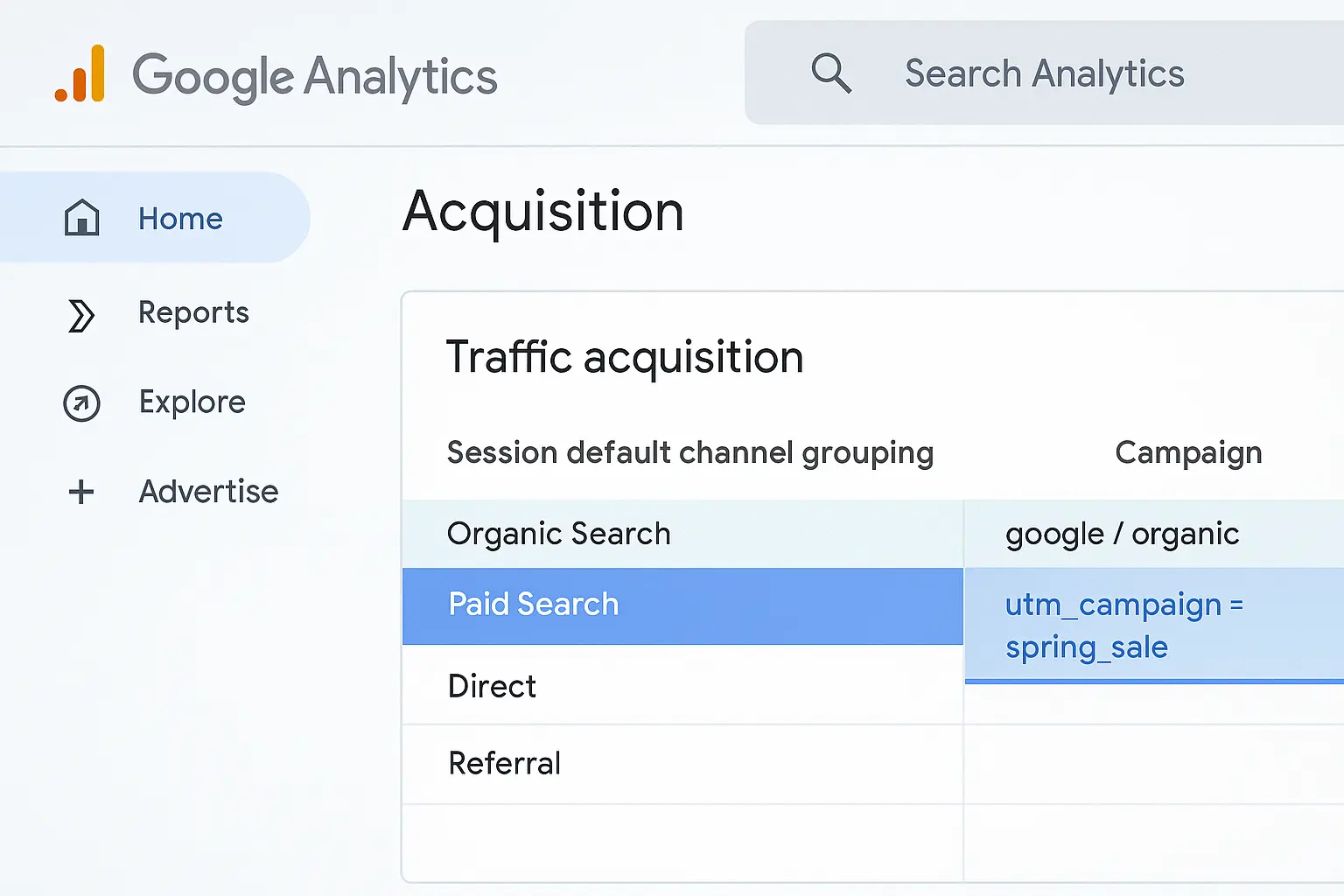
To view performance of UTM parameters for Google Ads in GA4:
- Go to Reports → Acquisition → Traffic Acquisition
- Choose a secondary dimension such as Session source/medium or Campaign
- Apply filters to isolate the campaigns tagged with UTMs
UTM Parameters for Google Ads in Multi-Touch Attribution
If you’re using data-driven attribution models in GA4, UTM parameters can help identify first-touch and last-touch impact. Use different combinations of utm_campaign and utm_content to differentiate your touchpoints across the funnel.
Resources & Tools
📘 Official Google Guide on UTM parameters
🧭 Read our comparison: GA4 vs Universal Analytics
Final Thoughts
When it comes to modern performance marketing, using UTM parameters for Google Ads is no longer optional. It gives you full visibility into traffic quality, helps validate ROI, and ensures alignment across teams and tools.
✅ Consistency. ✅ Visibility. ✅ Actionable data. — That’s what you gain when you tag your campaigns properly. Start with a simple framework, then evolve as your analytics maturity grows.
💡 Pro tip: Use our free UTM builder sheet to generate structured links with utm parameters for Google Ads — ready to plug into your campaigns.