GA4 vs Universal Analytics: What’s Changed for UTM Tracking
Since the transition from Universal Analytics (UA) to Google Analytics 4 (GA4), many marketers have faced new challenges in tracking UTM parameters. While the fundamentals of UTM tagging remain the same, the way GA4 processes and displays this data has significantly changed. In this article, we’ll compare GA4 vs Universal Analytics and explain what it means for your campaign tracking.
UTM Parameters: The Basics Still Matter
Regardless of the platform, UTM parameters like utm_source, utm_medium, and utm_campaign are still essential for campaign tracking. These parameters are appended to URLs to help track traffic sources across paid and organic channels.
GA4 vs Universal Analytics: Key Differences in Reporting
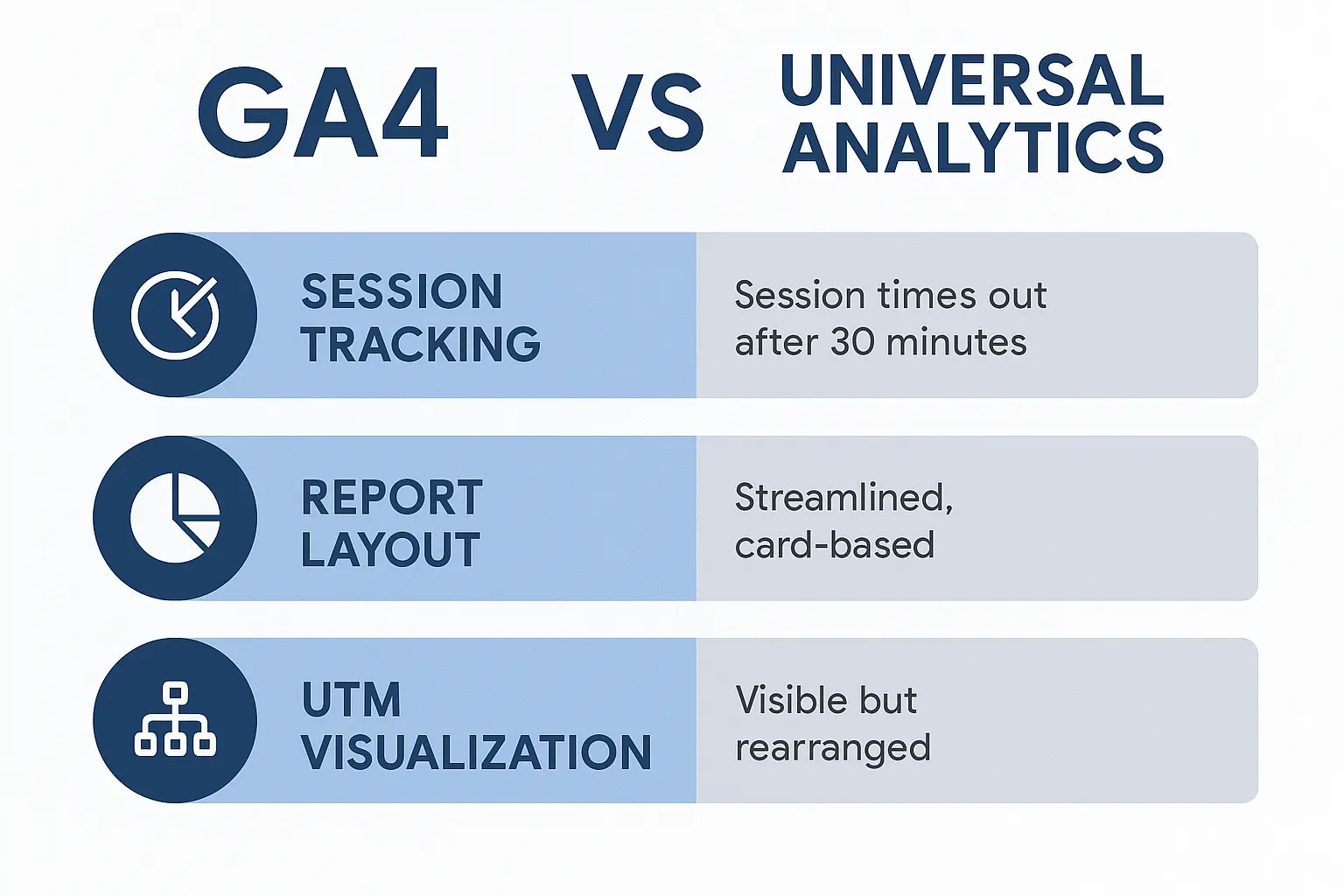
- Session Attribution: GA4 uses an event-based model instead of sessions and pageviews, so the way UTM values are attributed can differ.
- Reporting Views: GA4 offers fewer predefined reports. You’ll often need to use Explore reports or build custom reports to analyze UTM performance.
- Source/Medium Location: In UA, you could easily find source/medium under Acquisition → All Traffic. In GA4, go to Reports → Acquisition → Traffic acquisition.
Tracking UTM Parameters in GA4
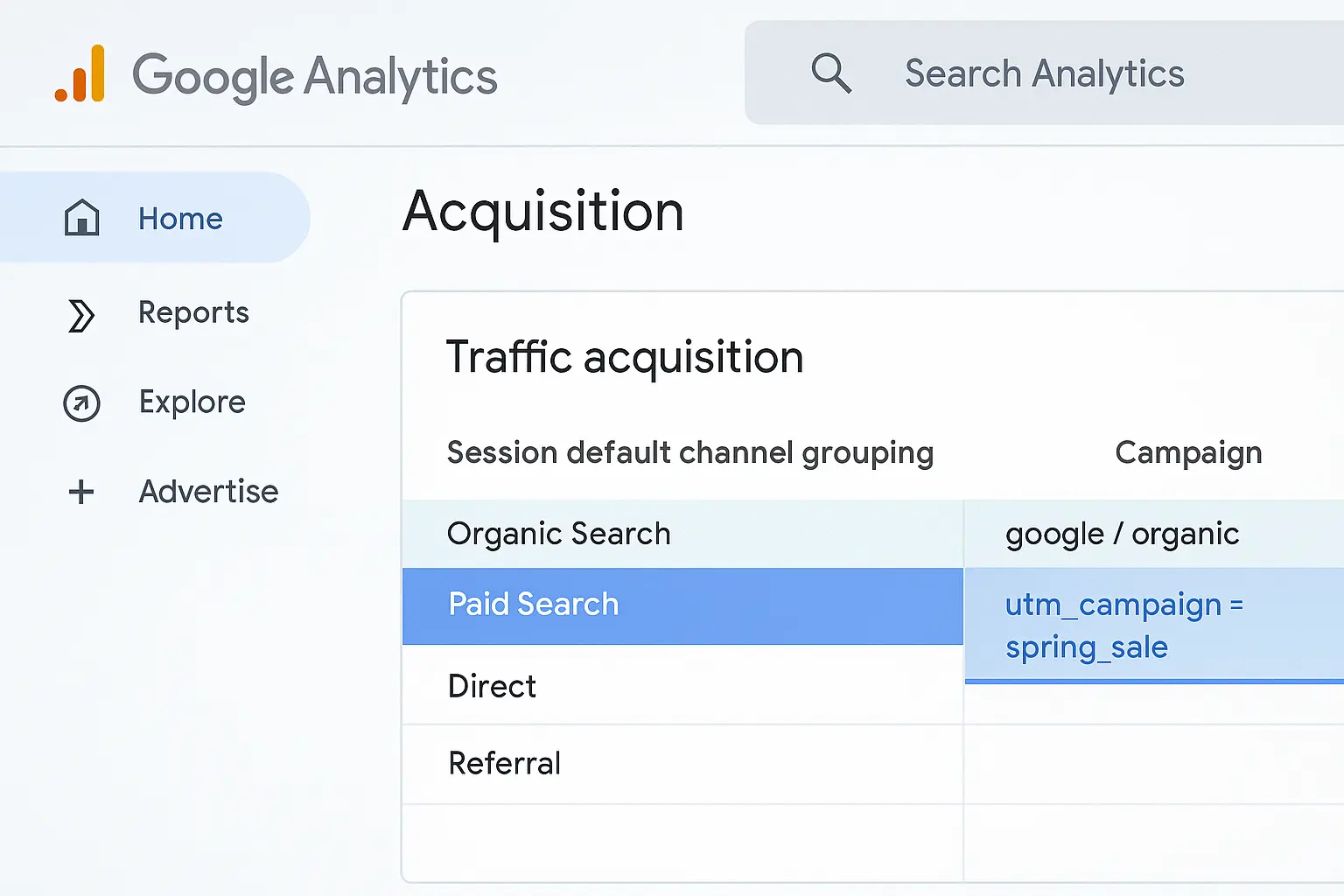
To view UTM performance in GA4:
- Open Reports → Acquisition → Traffic acquisition
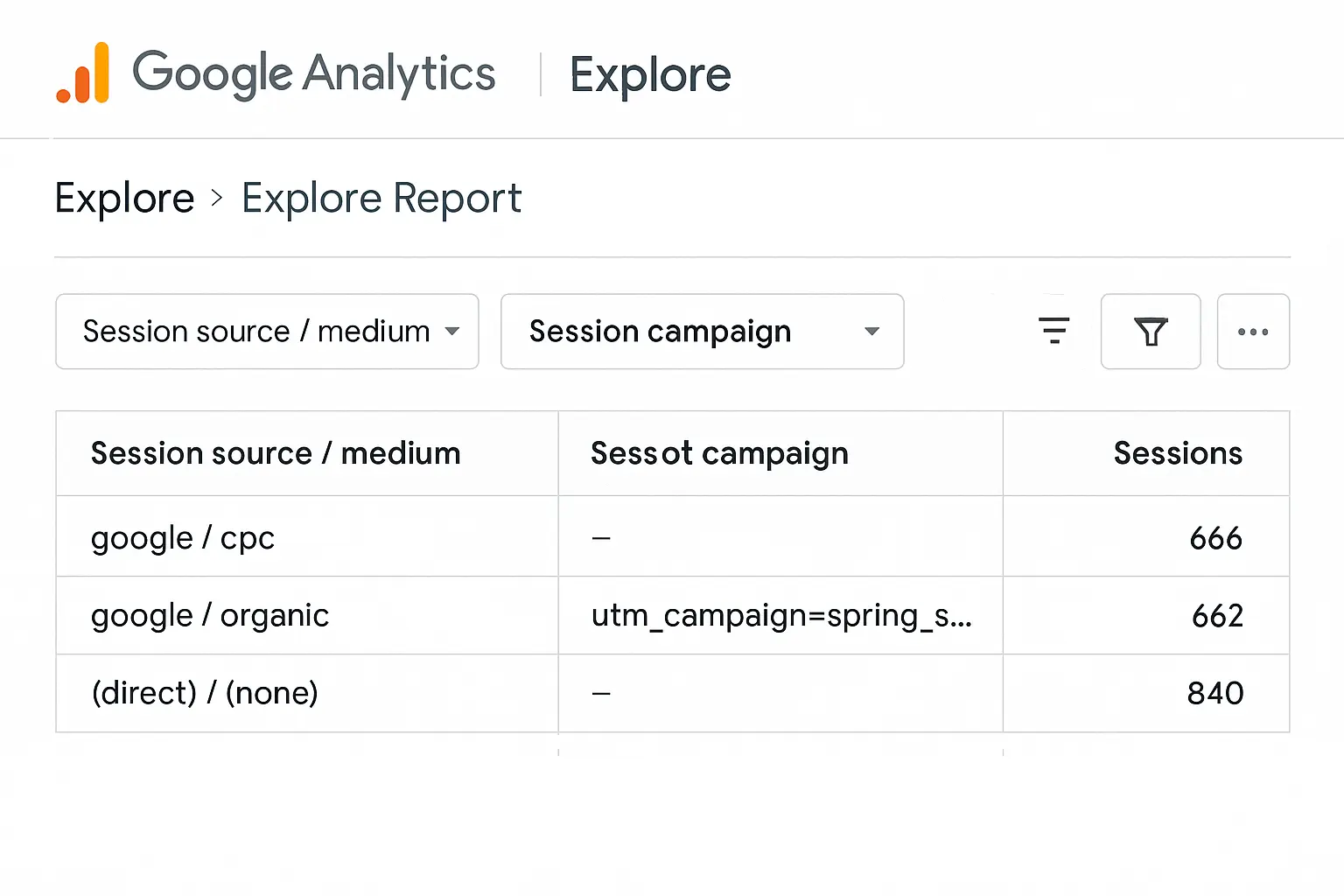
- Set a secondary dimension like “Session campaign” or “Session source/medium”
- Apply filters or segments to isolate UTM-tagged traffic
How GA4 Interprets UTM Parameters Differently
One of the biggest misconceptions marketers face during the transition to GA4 is assuming UTM parameters behave exactly as they did in Universal Analytics. While the basic structure of UTM tags remains unchanged, GA4 interprets them in the context of events and sessions, not pageviews and goals.
In GA4, UTM parameters are attached to the session_start event by default. This means that if a user returns to your site with a different UTM tag within a 30-minute window, GA4 may still group their activity into a single session using the original campaign attribution. This behavior is configurable, but requires you to understand session-scoped dimensions and conversion attribution models in GA4.
Additionally, GA4 introduces Session Source / Medium and First User Source / Medium, which can lead to confusion in reporting. Make sure to align your reporting needs with the appropriate dimension — whether you’re looking at a visitor’s first touchpoint or the session that led to a conversion. Mastering how GA4 handles UTM parameters is essential for accurate marketing analytics.
Use Cases: When to Use GA4 Reporting vs UA Style
Marketers often wonder when to rely on GA4-native Explore reports versus the more traditional structure of Universal Analytics. Here’s how to decide:
- Use GA4 when you need custom funnel analysis, event-based flows, or audience segments over time.
- Use UA-style views (mimicked in GA4) when you simply want a high-level breakdown of sessions by campaign, source, or medium.
Common Mistakes When Switching to GA4
- Relying on session metrics without rethinking attribution logic
- Assuming reports work the same as in UA (they don’t)
- Not adjusting UTM tagging or tracking templates to align with GA4 logic
Key Takeaways for Marketers
- GA4 supports UTM parameters, but presents them differently
- Use consistent UTM naming across platforms
- Build custom reports to extract value from GA4 data
Related Resources
📘 Read our full guide: How to Add UTM Parameters to Google Ads
📚 Learn more about how GA4 processes UTM parameters on Google’s official support page.
🧭 Coming soon: UTM Naming Conventions for Teams
Final Thoughts
The shift to GA4 brings both challenges and opportunities. While some features from Universal Analytics are gone, GA4 gives you new ways to analyze campaign data — including UTM performance. Adapt your strategy now to get ahead in 2025.
Need help getting started? Start with our UTM tagging guide and connect your data to GA4 the smart way.
Understanding these differences between GA4 and Universal Analytics is critical if you want to track marketing performance accurately and make better campaign decisions in 2025 and beyond. This GA4 vs Universal Analytics comparison highlights exactly how UTM parameter handling has evolved and what you need to adapt.